The real one
Making existing shape creation tools more intuitive and easier to find.
Extending the capabilities of Shape Tools in Adobe Illustrator
Redesigning Illustrator’s shape tools panel so designers can move from idea to finished shape in seconds, without leaving the canvas, opening a dialog box, or searching for a tutorial.
The starting question
Through a deep dive into Reddit discussions and YouTube tutorials on creating shapes in Illustrator, I found that a surprisingly large number of users struggle with creating even basic shapes. The volume and consistency of these questions made it clear that this wasn't an isolated issue—it was a widespread pain point experienced by both beginners and intermediate users.
The process
I structured the ten weeks as a funnel — moving from a broad, fuzzy brief toward one sharp, defensible solution.
Research
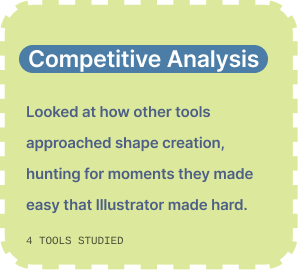
Research ran on three tracks — each one aimed at a different part of the problem.
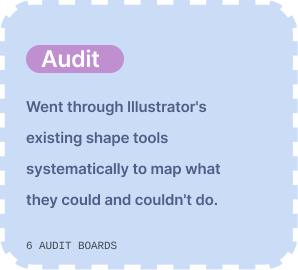

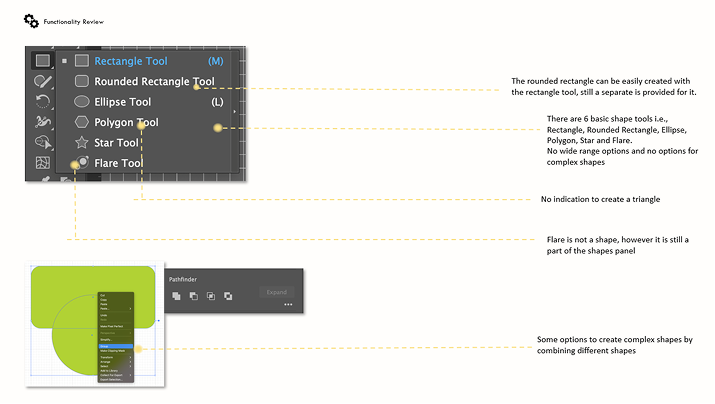
Audit
Clustering the problems
I listed every problem I found on sticky notes then looked for patterns. The mess resolved into five pillars that became the foundation for everything I designed next.
Making existing shape creation tools more intuitive and easier to find.
Addressing shortcomings and limitations in the current tools.
Introducing features that expand what shape creation can be.
Exploring trends so the solution stays relevant and adaptable.
Subtle assistance and delightful surprises during idle moments.
One pillar kept surfacing underneath all the others. Illustrator was already powerful, users just could not find that power. Discoverability was not one problem among five. It was the problem the other four were hiding behind.
Powerful tools nobody can find aren’t powerful tools.
The specific problem
Every promising idea I explored ran into the same wall: even if I built it, would a designer ever find it? That reframed the brief. The design challenge was not inventing more features, it was giving them a home users would actually see.
Solution
A single panel that gathers every concept I explored into one discoverable place, organized by pillar, so designers never have to leave the canvas to find the right tool. It solves the major issue, discoverability, while carrying the other pillars inside it: bridging gaps in existing functionality, coming up with newer capabilities, and future technologies.
Waiting on a render? Shift while dragging keeps the shape true.
Hover a pillar to see where it lives in the panel
Impact
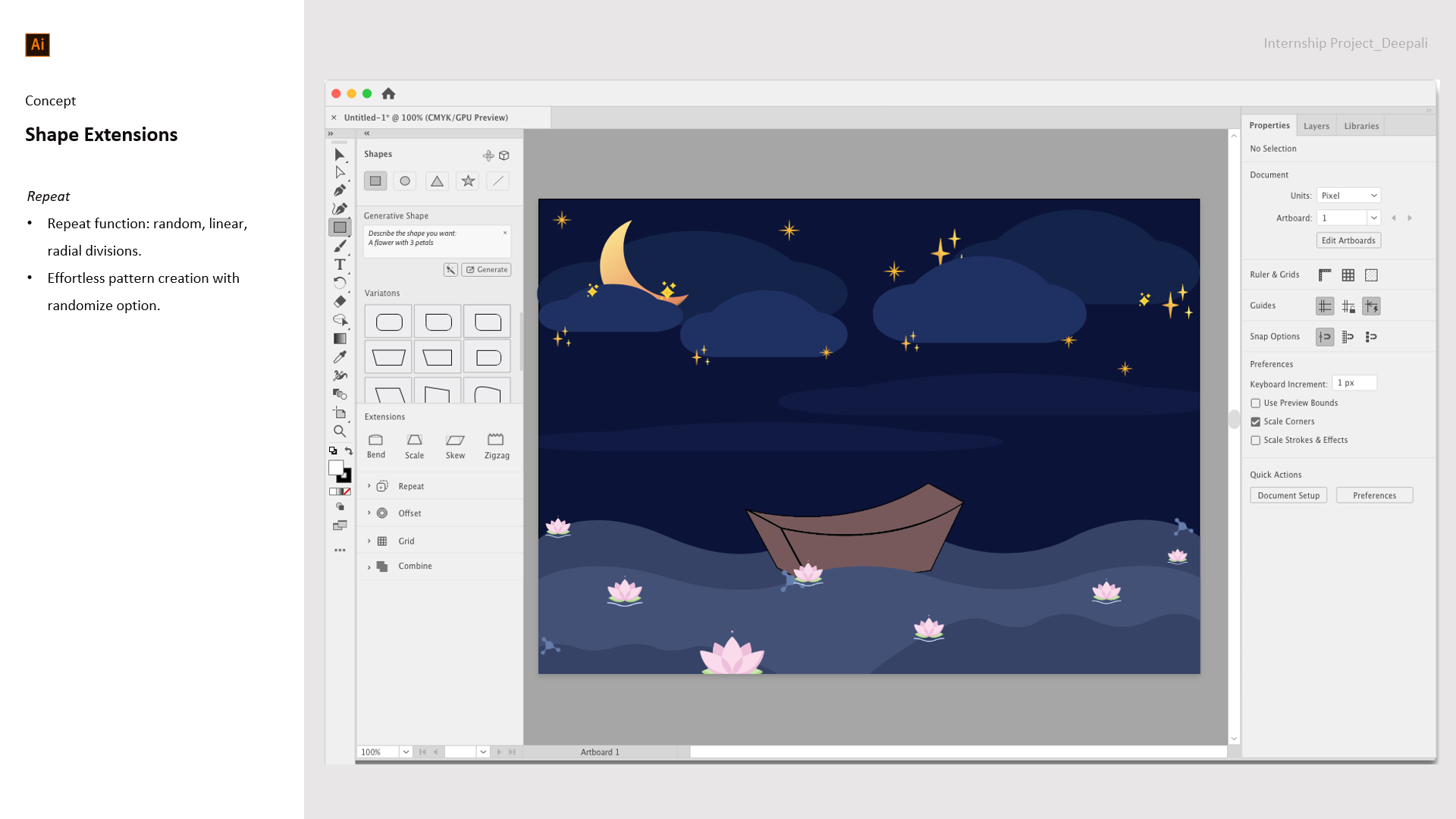
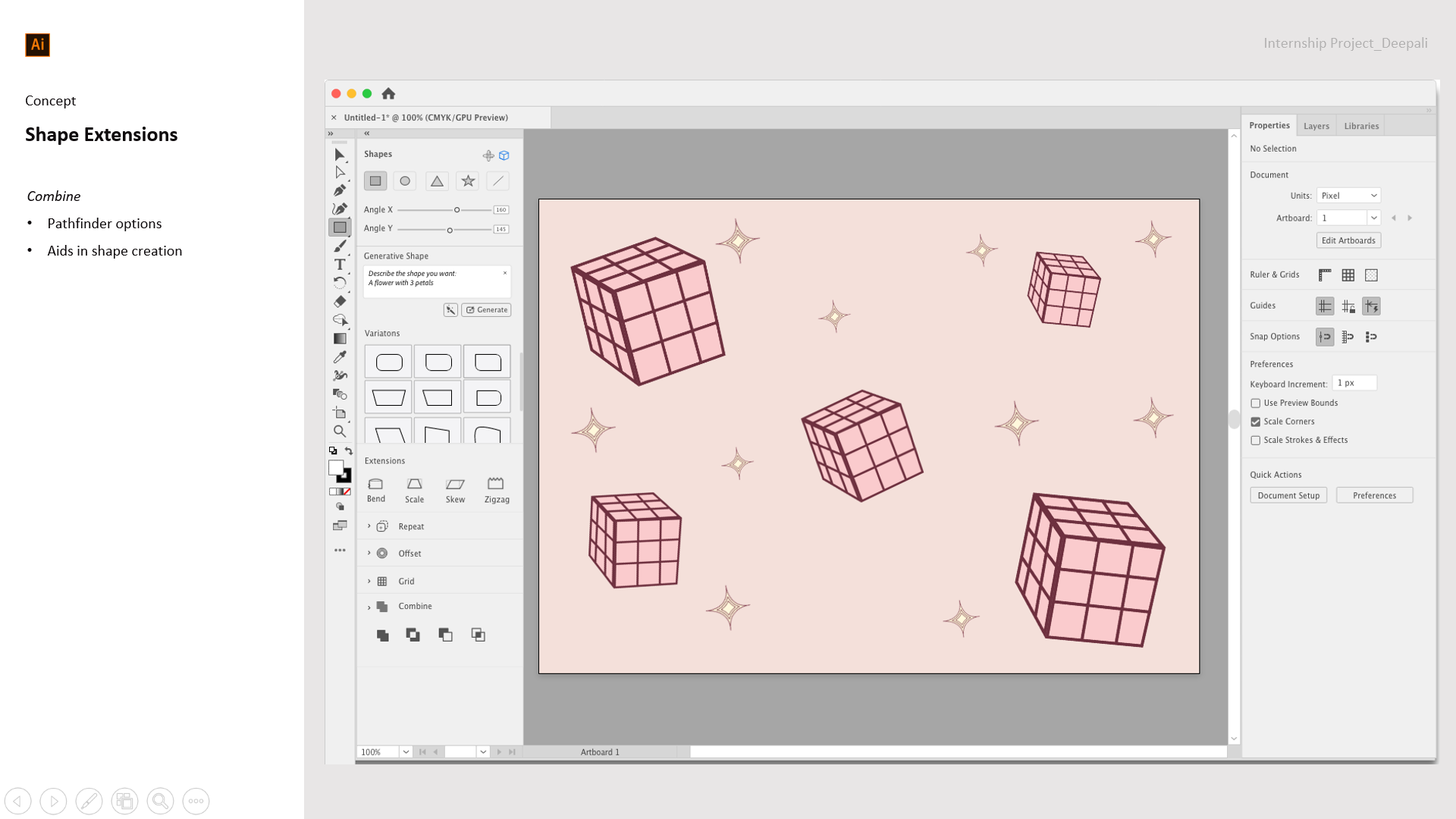
Both pieces were built using nothing but the Tool Properties Panel in 5 minutes. No dialog box detours, no tutorials, no leaving the canvas.
Reflection


The @Adobe Design team :)
